
Technology · Sheet T-02
Walk any floor of your building. From anywhere.
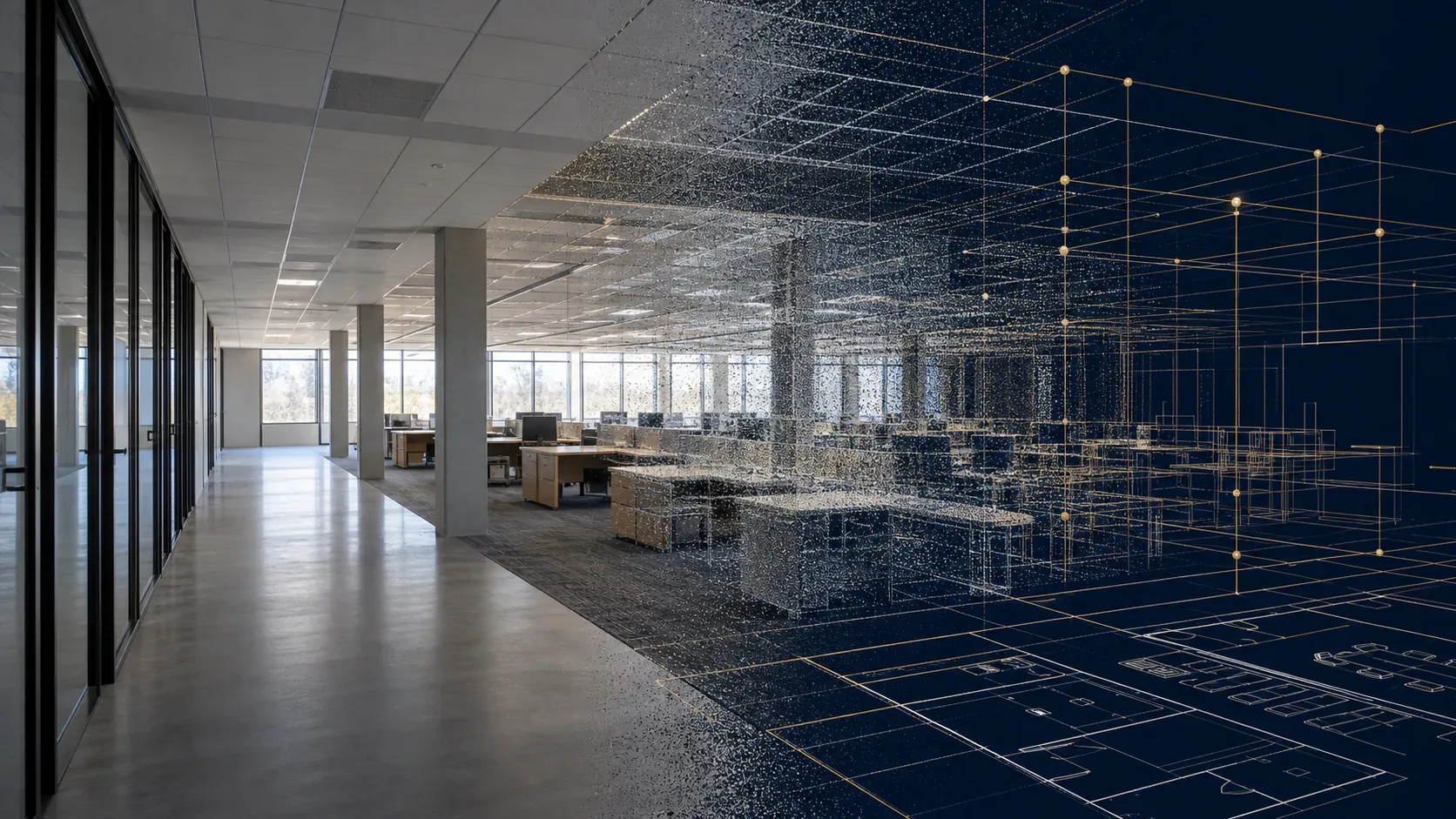
A 3D building walkthrough is a photorealistic digital copy of your interior that runs in a normal browser. Click to move room to room, look in any direction, and track your position on a live floor plan — the way you'd tour a listing on Zillow, but for the buildings you already own.
See a walkthrough
Want to see one in motion? We'll walk you through it live.
On a short screen-share, we open a floor from one of the buildings we manage and show you exactly how it works — click to move room to room, look in any direction, and track your position on the floor plan, all in a normal browser. No app, no headset. It's the same view your team, prospects, lenders, and contractors get from an expiring share link.
- Click-to-move waypoints with a live floor-plan minimap
- Expiring, view-only share links — no login for the viewer
- Server-side access control for sensitive areas
What you can do with it
Answer questions without a site visit
Ceiling heights, finishes, column spacing, what's actually in that storage room — open the walkthrough instead of scheduling a trip. Remote owners and asset managers see the real condition of the asset, not a photo deck from last year.
Lease space faster
Send prospects a link and let them tour before the broker tour. Out-of-market decision-makers walk the space from their desk — it's a strong complement to our landlord representation listings.
Scope work remotely
Contractors bid against the walkthrough instead of a second site visit. Insurance adjusters and lenders get an expiring link with exactly the access you choose — sensitive areas stay off limits.
Keep a dated record
Each capture is a time-stamped record of the building's condition, alongside your 360° documentation and work-order history in the client portal.
Navigation
Click-to-move waypoints, smooth glide between positions, eye-level view, free look, and a floor plan minimap with your live position.
Sharing
Expiring, view-only share links for outside parties — no accounts needed. Revoke any time.
Access control
Restricted areas enforced server-side per role: visible on the plan, not enterable in 3D for outside viewers.
FAQ
3D walkthroughs — common questions
What is a 3D building walkthrough?
It is a photorealistic 3D copy of your building interior that opens in a normal web browser. You click to move through rooms and corridors the way you would on a real site walk, with a floor plan minimap showing where you are. No app installs and no VR headset required.
How is a walkthrough captured?
Our team walks each floor with a camera following a structured capture route. Processing turns that footage into the 3D model and a floor plan. Capture is quick and non-disruptive, and large floors are captured in zones so even big footprints stay smooth in the browser.
Can I share a walkthrough with people outside my company?
Yes. You can issue expiring share links for prospects, lenders, insurers, or contractors. A share link opens the walkthrough in view-only mode without a login, and you control how long it stays active.
Can access be restricted for sensitive areas?
Yes. Role-based restrictions let us mark areas — server rooms, security offices, executive suites — that stay visible on the floor plan but are not enterable in the 3D view for outside viewers. Your own team keeps full access.
How often is the walkthrough updated?
Typically after significant changes: tenant buildouts, capital projects, or reconfigurations. Many clients also schedule periodic recaptures so the digital twin tracks the building over time. Cadence is set per building in your service agreement.
Next step
Want to see it on your own building? Let's set up a live demo.
Curious how it works? See how our 3D walkthroughs work →